















On-Premises
TCP/IP API
Connects to Linkly software on your Windows POS.
Best for: established Windows POS.
- Low latency
- Works offline
- Proven technology
Integrating with Linkly gives your POS access to Australia’s largest network of integrated banking partners across Australia and New Zealand.

Pick the API that best matches your use case and deployment needs.
Connects to Linkly software on your Windows POS.
Best for: established Windows POS.

POS and terminal connect via Linkly Cloud. Nothing to install.
Best for: browser, tablet and hosted POS.
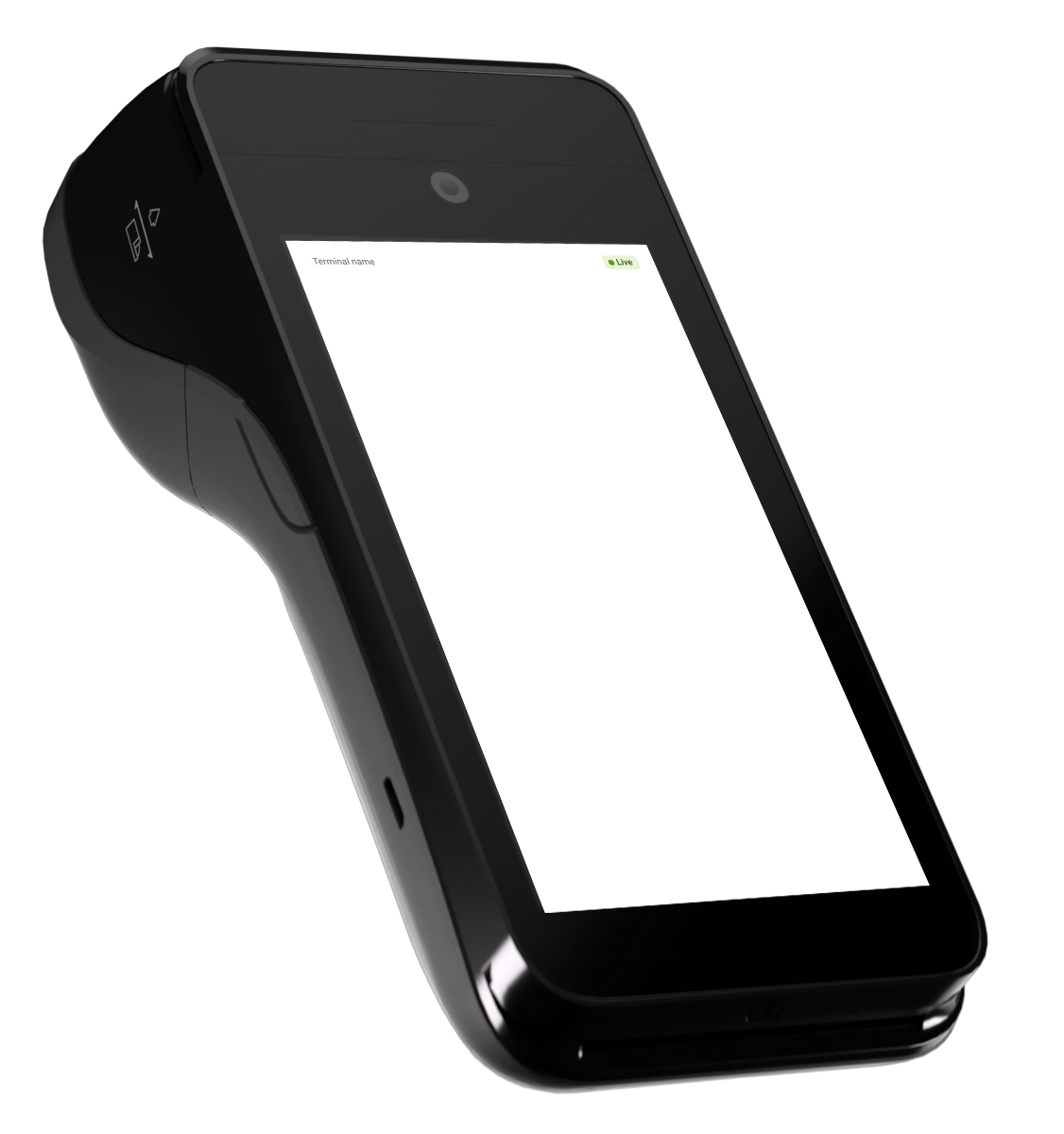
Your POS app runs on the terminal itself.
Best for: mobile POS and payments.
Looking for an online integration? Check out Orbit Online →
Complete the POS registration form to join the accreditation program.
Access developer docs and testing tools for your integration type.
Develop against the Linkly POS API, with our team on hand for questions.
Complete the accreditation test cases and send us your results.
Once you’re accredited, your POS is listed on our Accredited Partners page.
Connect once and reach nearly all merchant banks across Australia and New Zealand.
Become part of Australia’s largest network of integrated POS partners.
Sell your POS software to any merchant, with no need for additional payment integrations.
Your POS works with most bank-issued terminals in Australia and New Zealand.
Transactions flow automatically between your POS and your merchant’s terminal.
No manual entry, no errors and no end-of-day headaches.
Linkly has nearly three decades’ experience helping technology vendors of all sizes activate and scale their payments across all merchant industries.

































































Quick answers for POS developers. For the full process, read the Linkly POS Accreditation guide.

Register your POS to get started, or contact us with any questions about the process.